Spread vs Rest Operators in JavaScript
Write cleaner, smarter JavaScript with spread and rest operators
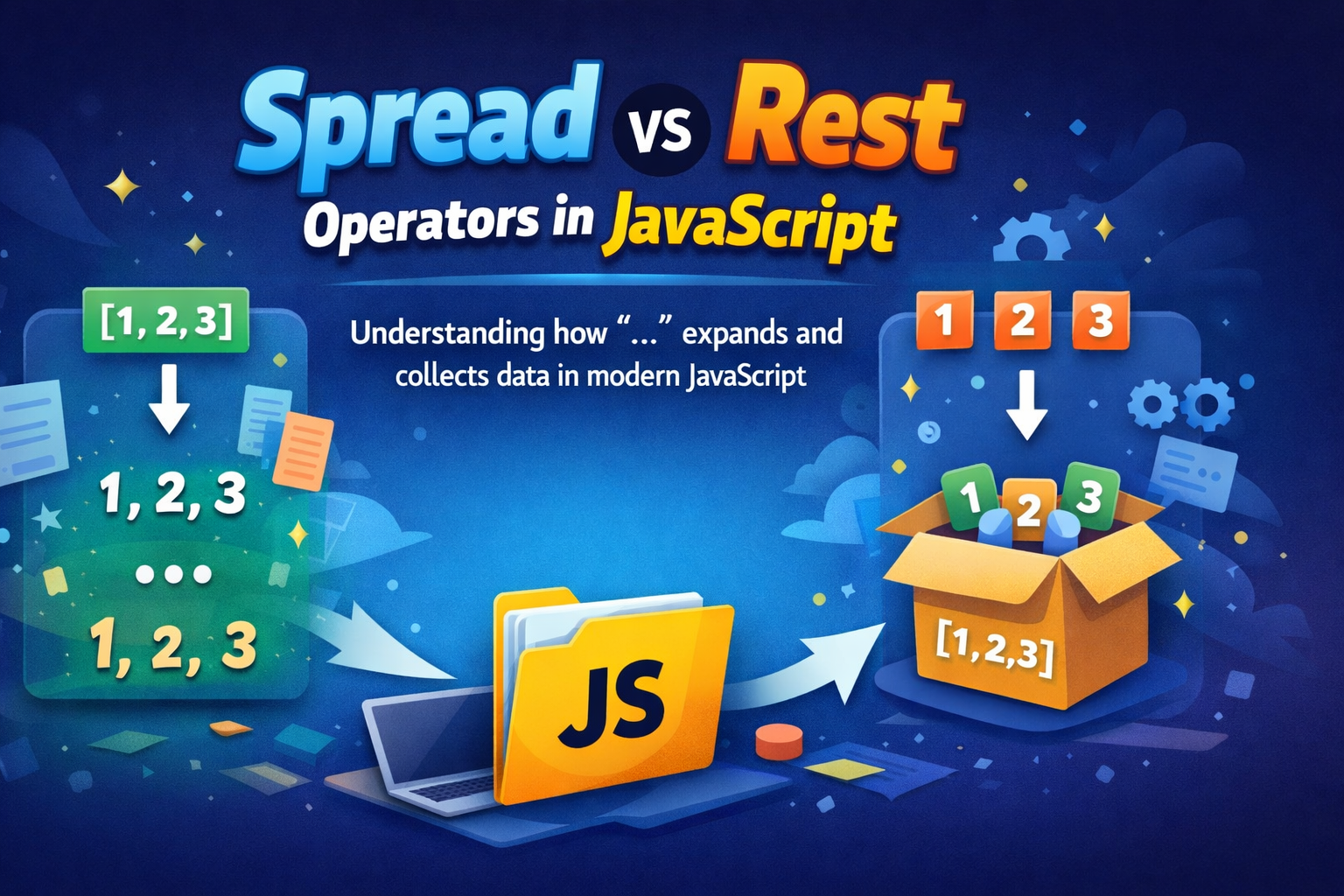
JavaScript introduced the spread (...) and rest (...) operators as part of ES6, and although they look identical, they serve completely different purposes.
Understanding the difference between them is essential if you want to write clean, modern JavaScript.
What is the Spread Operator?
The spread operator (...) is used to expand elements from an iterable (like arrays, objects, or strings).
Think of it like unpacking a box and spreading everything out.
📌 Basic Example (Array)
const arr = [1, 2, 3];
const newArr = [...arr];

console.log(newArr); // [1, 2, 3]
📌 Expanding Elements
const nums = [1, 2, 3];
console.log(...nums); // 1 2 3
🧠 Mental Model
Spread → Expands values

[1, 2, 3] → ... → 1, 2, 3
What is the Rest Operator?
The rest operator (...) does the opposite of spread.
It is used to collect multiple values into a single array or object.
Think of it like gathering items into a box.
📌 Example in Function Parameters
function sum(...numbers) {
  return numbers.reduce((acc, val) => acc + val, 0);
}

console.log(sum(1, 2, 3, 4)); // 10
Here, ...numbers collects all arguments into an array.
📌 Example with Destructuring
const [first, ...rest] = [10, 20, 30, 40];

console.log(first); // 10
console.log(rest);  // [20, 30, 40]
🧠 Mental Model
Rest → Collects values

1, 2, 3 → ... → [1, 2, 3]
Spread vs Rest (Key Differences)
| Feature | Spread Operator | Rest Operator |
|---|---|---|
| Purpose | Expands values | Collects values |
| Usage Position | Right side of assignment | Left side (variables) |
| Use Case | Copying, merging | Function params, destructuring |
| Output | Individual elements | Array or object |
Using Spread with Arrays
Copy Arrays
const original = [1, 2, 3];
const copy = [...original];
Merge Arrays
const a = [1, 2];
const b = [3, 4];

const merged = [...a, ...b];
console.log(merged); // [1, 2, 3, 4]
Add Elements Easily
const nums = [2, 3];
const updated = [1, ...nums, 4];

console.log(updated); // [1, 2, 3, 4]
🧱 Using Spread with Objects
Copy Objects
const user = { name: "John", age: 25 };
const clone = { ...user };
Merge Objects
const user = { name: "John" };
const details = { age: 25 };

const result = { ...user, ...details };
console.log(result); // { name: "John", age: 25 }
Override Properties
const user = { name: "John", age: 25 };

const updated = { ...user, age: 30 };
console.log(updated); // { name: "John", age: 30 }
🔧 Practical Use Cases
1. Avoid Mutating Data (Important in React)
const state = { count: 1 };

const newState = { ...state, count: 2 };
2. Passing Multiple Arguments
const nums = [1, 2, 3];

function multiply(a, b, c) {
  return a * b * c;
}

multiply(...nums); // 6
3. Flexible Function Arguments (Rest)
function logAll(...args) {
  console.log(args);
}

logAll("a", "b", "c"); // ["a", "b", "c"]
4. Extracting Remaining Data
const user = {
  id: 1,
  name: "John",
  password: "secret"
};

const { password, ...safeData } = user;

console.log(safeData);
// { id: 1, name: "John" }
📊 Visual Understanding (Diagram Idea)
Spread (Expanding)
[1, 2, 3]
   ↓
...arr
   ↓
1, 2, 3
Rest (Collecting)
1, 2, 3
   ↓
...nums
   ↓
[1, 2, 3]
⚠️ Common Mistakes
Confusing Both
// WRONG understanding
const [...a] = [1, 2, 3]; // This is REST, not spread
Using Rest Not at the End
// ❌ Error
const [...rest, last] = [1, 2, 3];
✔ Correct:
const [first, ...rest] = [1, 2, 3];
Final Thoughts
Even though spread and rest use the same syntax (...), their behavior depends entirely on where and how they are used.
Spread = Expand values
Rest = Collect values
Once you internalize this one line, everything becomes much easier.


