JavaScript Modules: Import and Export Explained
A Beginner-Friendly Guide to Organizing JavaScript Code with ES Modules
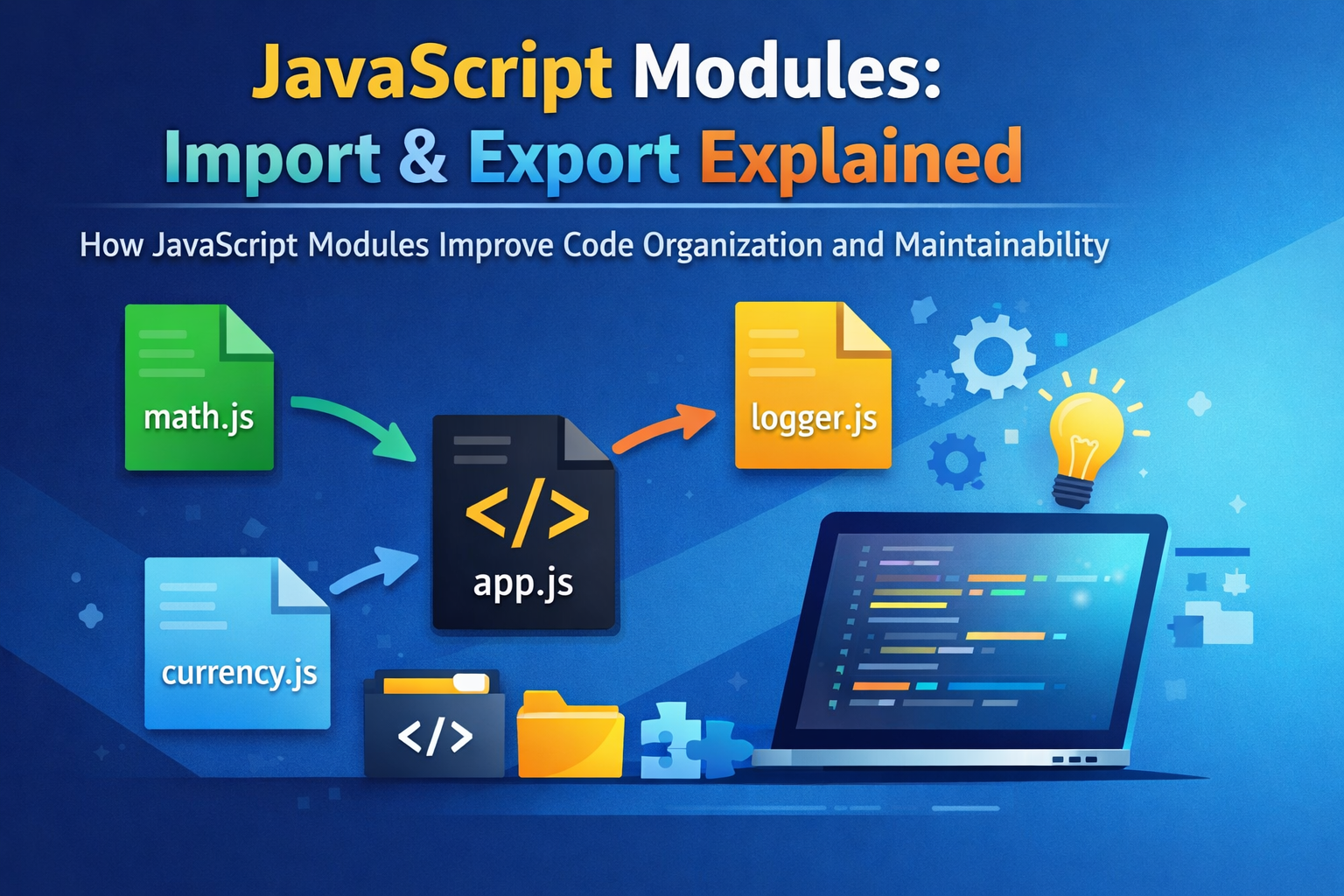
Modern JavaScript applications often grow from a few lines of code into thousands. As projects grow, managing code inside a single file becomes messy and difficult to maintain. This is where JavaScript modules come in. Modules allow developers to split code into smaller, reusable pieces that can be imported and exported between files.
Understanding modules is essential for writing clean, scalable JavaScript applications.
The Problem: Unorganized Code
Imagine building a project where everything is written inside one file:
function add(a, b) {
  return a + b;
}

function multiply(a, b) {
  return a * b;
}

function formatCurrency(value) {
  return "$" + value;
}

console.log(formatCurrency(add(5, 10)));
In small programs this works fine, but in larger applications:
Files become thousands of lines long
Functions become hard to find
Multiple developers editing the same file cause merge conflicts
Code becomes hard to reuse
This leads to poor maintainability and messy project structures.
Why Modules Are Needed
JavaScript modules solve these problems by allowing you to split code into separate files, where each file has a specific responsibility.
For example:
project/
 ├── math.js
 ├── currency.js
 └── app.js
Each file acts as a module that can share or consume functionality.
Benefits include:
Better code organization
Easier maintenance
Improved reusability
Clear dependency management
Exporting Functions or Values
To make a function or variable available to other files, we use the export keyword.
Example:
// math.js
export function add(a, b) {
  return a + b;
}

export function multiply(a, b) {
  return a * b;
}
Here, both functions are exported so other files can import them.
You can also export variables:
export const PI = 3.14159;
Importing Modules
Once something is exported, it can be imported into another file using the import keyword.
Example:
// app.js
import { add, multiply } from "./math.js";

console.log(add(5, 3));
console.log(multiply(4, 2));
The curly braces {} indicate that we are importing named exports.
Default vs Named Exports
JavaScript modules support two types of exports.
Named Exports
You can export multiple items from a module.
// utils.js
export const name = "Subransu";

export function greet() {
  console.log("Hello!");
}
Import them like this:
import { name, greet } from "./utils.js";
Default Export
A module can also export one default value.
// logger.js
export default function log(message) {
  console.log(message);
}
Importing a default export does not require curly braces.
import log from "./logger.js";

log("Hello World");
A module can have many named exports but only one default export.
Benefits of Modular Code
Using modules significantly improves the structure of JavaScript projects.
Better Maintainability
Each file handles one responsibility, making code easier to update.
Reusability
Functions can be reused across multiple files without duplication.
Scalability
Large applications can be broken into manageable components.
Clear Dependencies
Imports make it clear which modules depend on others.
Example Project Structure
project/
 ├── math.js
 ├── logger.js
 ├── currency.js
 └── app.js
math.js
export function add(a, b) {
  return a + b;
}
logger.js
export default function log(message) {
  console.log(message);
}
app.js
import { add } from "./math.js";
import log from "./logger.js";

log(add(2, 3));
This structure keeps code clean and easy to navigate.
Simple Dependency Flow (Concept)
Think of modules like this:
math.js ──┐
          ├──► app.js
logger.js ─┘
math.jsexports functionslogger.jsexports logging functionalityapp.jsimports and uses both
This creates a clear dependency flow between files.
Conclusion
JavaScript modules allow developers to split large applications into smaller, manageable pieces. By using export and import, code can be shared across files while keeping each module focused on a specific task.
This approach leads to cleaner architecture, better collaboration among developers, and easier maintenance as projects grow.


